- Place the Cursor in Line and press Ctrl + R while Debugging instead of using Breakpoints to get the Control over the line
Ideal Debug Perspective Setup
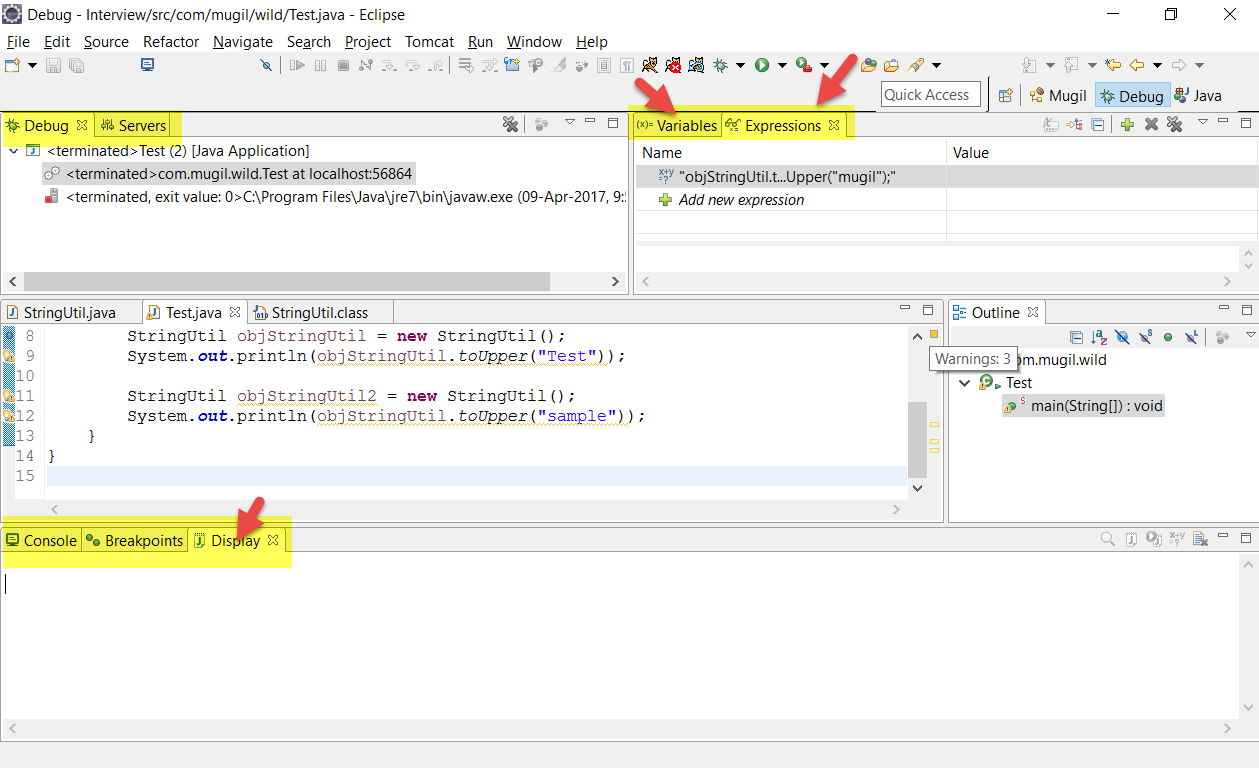
Options in Debug Perspective
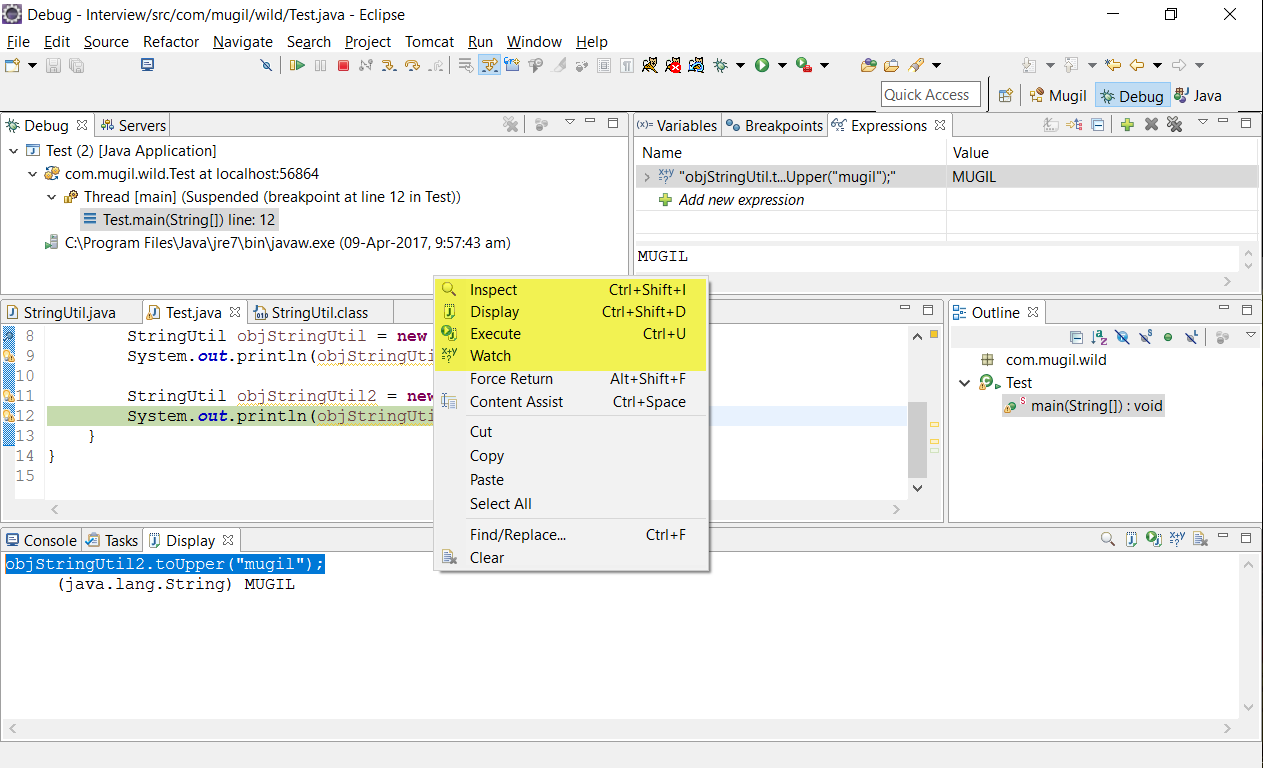
Inspect, Display, Execute, Watch
Ideal Debug Perspective Setup
Options in Debug Perspective
Inspect, Display, Execute, Watch
When you added some file as JAR file and do a Debug then the Debug Stack Trace will try to go through code which doesn’t have source attached to it. In such case we can use step filtering to let debugger know files which needs to be skipped while debugging.
In the below code I try to reach for the Constructor StringUtil.But when I try to do so by pressing F5 it throws ClassNotFoundException since the class need to be loaded first time into JVM
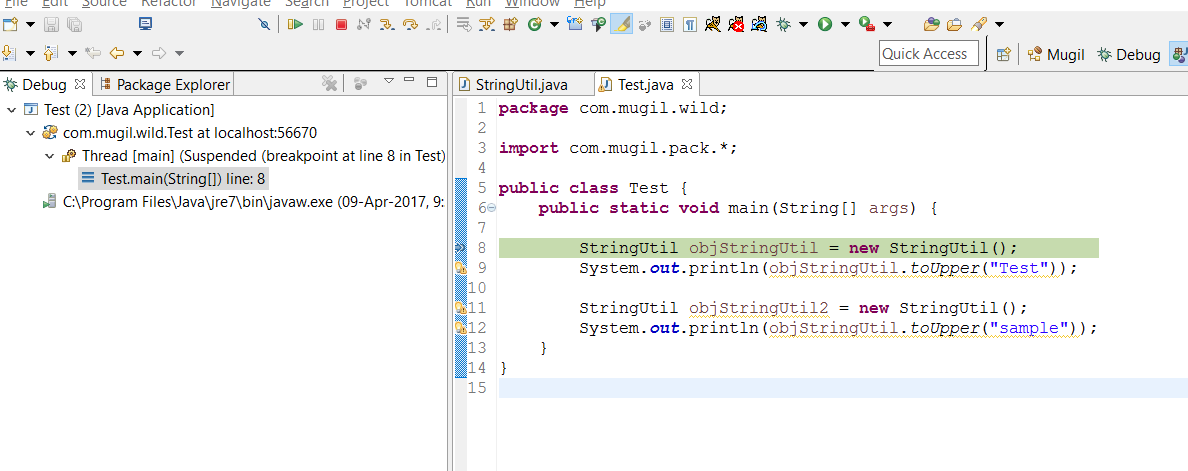
ClassNotFoundException
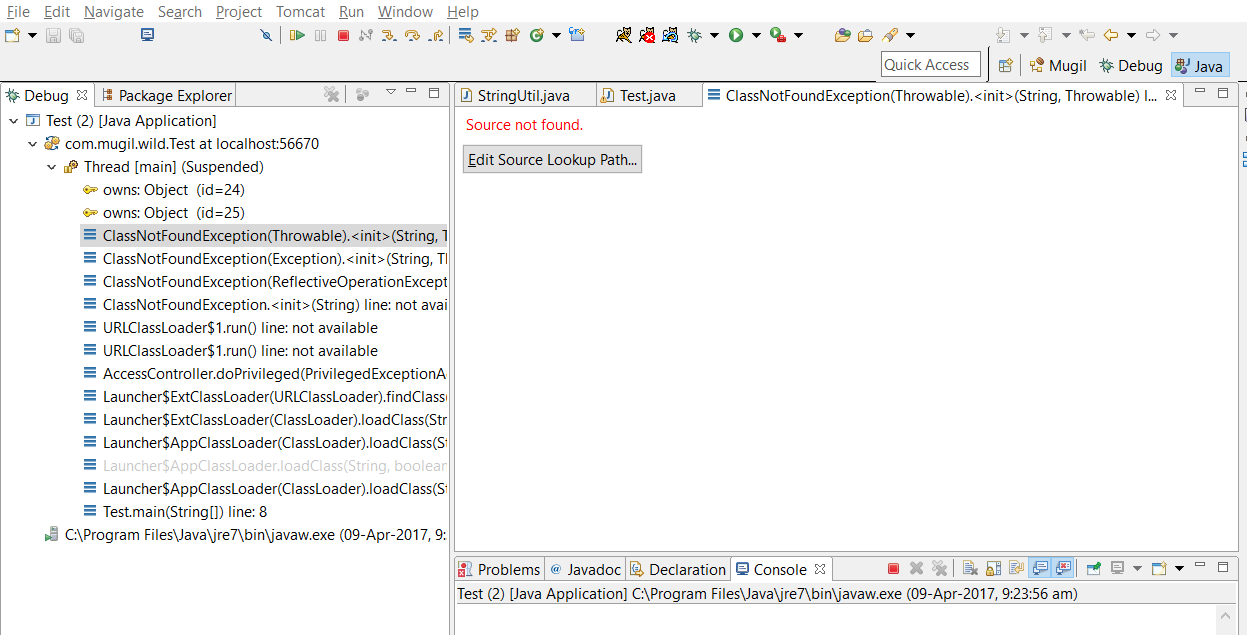
Now I use Step Filer to Skip Debugger going through classes in JRE by Using StepFilter
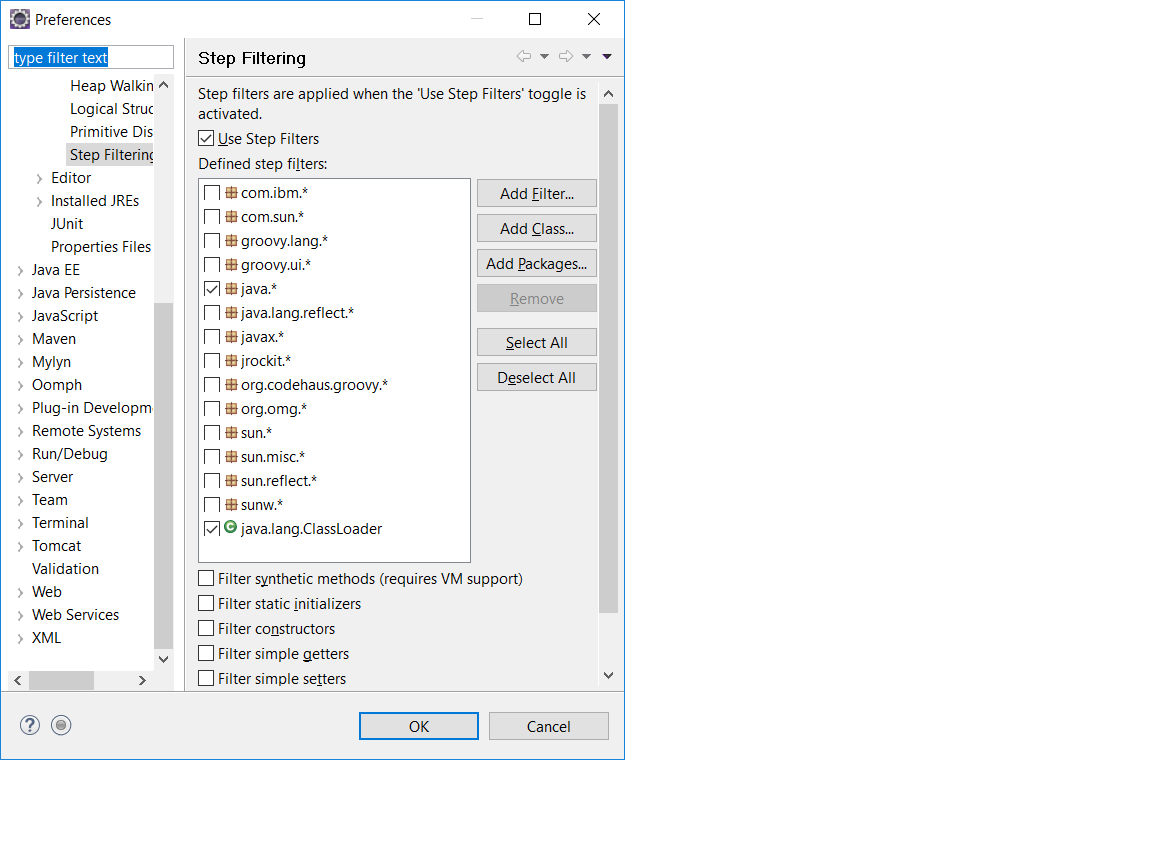
Window -> Preferences -> Java|Debug|Step Filtering.
Now I check Java.* to make sure I skips JRE code which does class loading into JVM.
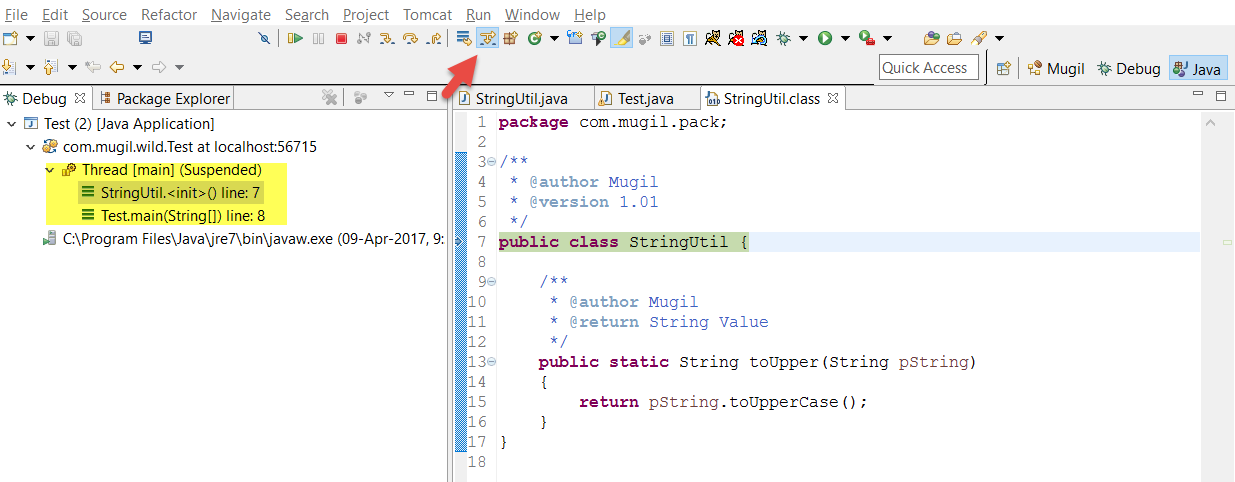
Now when I start Debug again It directly Takes me into StringUtil
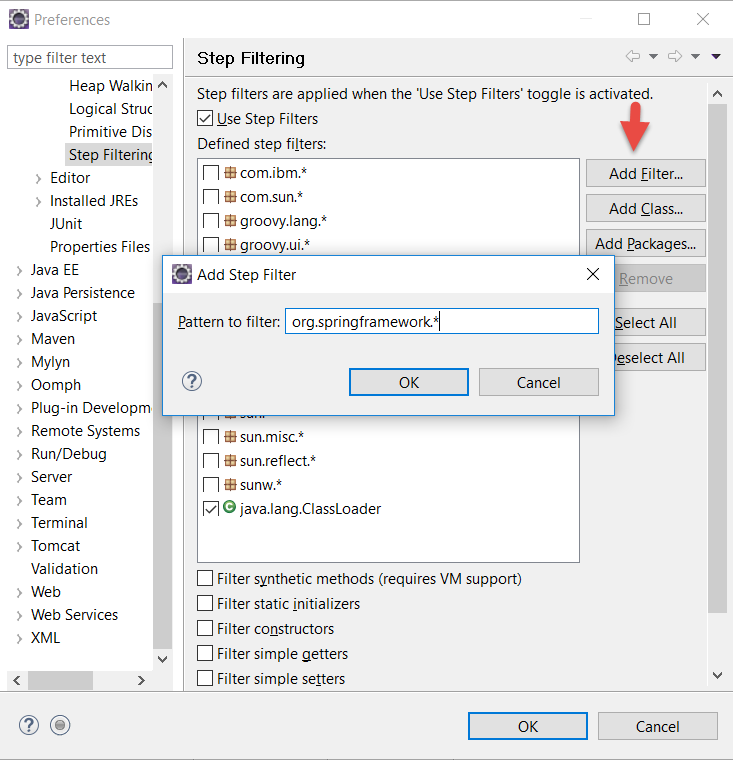
We can also add other classes through which we don’t want our debugger to flow its control by Creating your own step filters as below